Sending & RSVPs
How to send video invitation cards on WhatsApp
Published Updated 5 min read
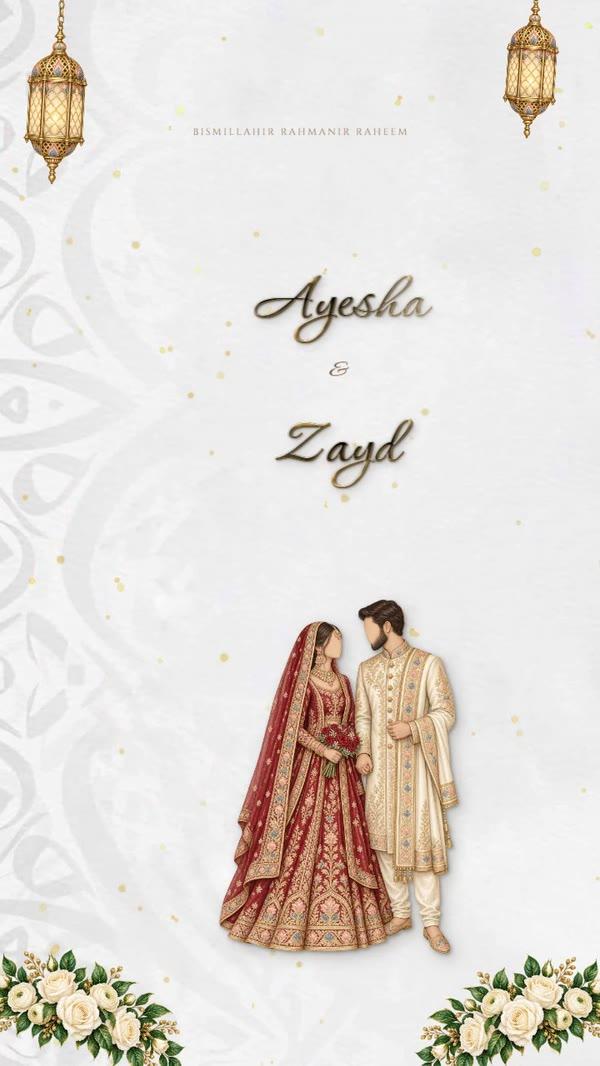
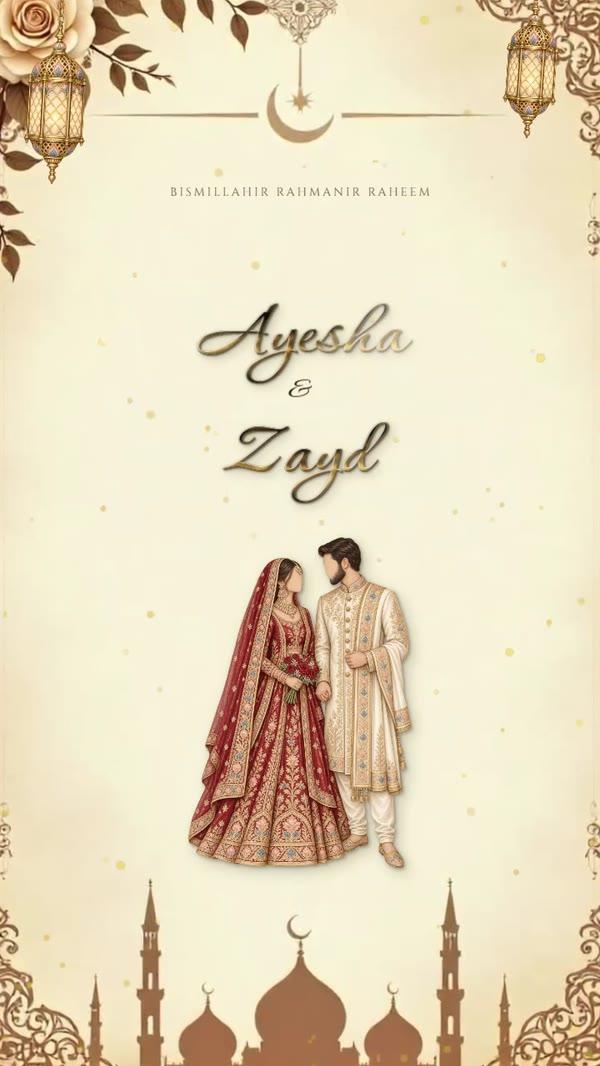
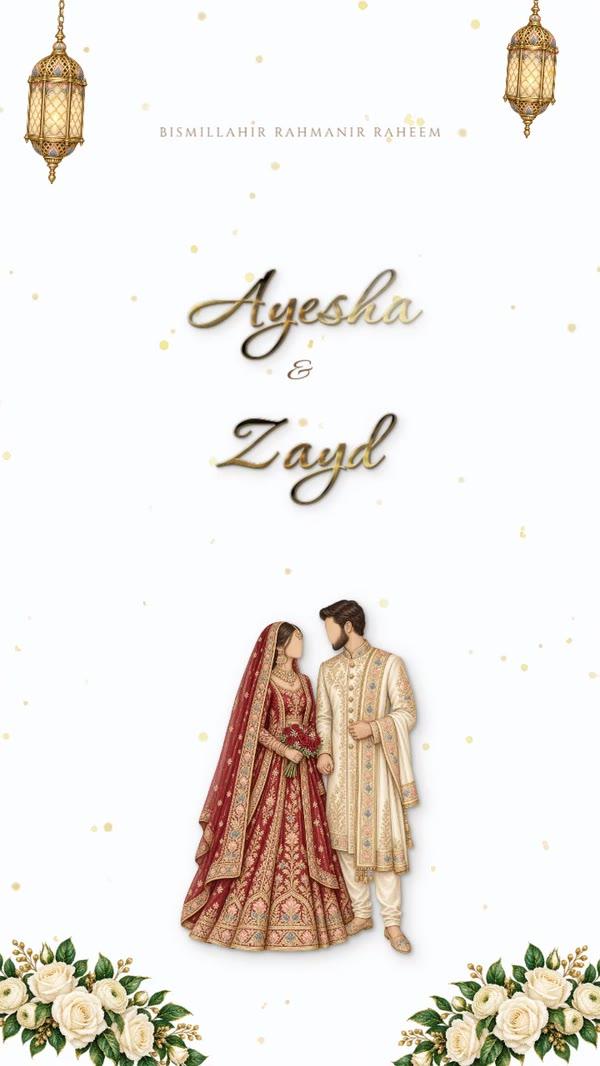
If you want to send video invitation cards on WhatsApp, the part people get wrong isn't the design — it's the journey from your phone to your guest's. A moving invitation — petals falling, gold calligraphy drawing itself, the doors of an arch opening — is the most memorable card a guest can receive. It is also the easiest to spoil on the way: the wrong format won't play inline, and WhatsApp's compression can blur the names. Here is how to make it, keep it sharp and send it properly.
In this article
Use MP4, keep it short
WhatsApp plays MP4 videos inside the chat; other formats arrive as a file the guest has to open. Ten to twenty seconds is enough for an invitation: long enough for the opening to play and the names to settle, short enough that guests watch to the end.
- Format: MP4 (H.264)
- Length: 10–20 seconds for a single card; a film of several pages can run longer
- Shape: portrait (9:16 or 4:5) fills a phone screen
- Music: optional — many guests open it with the sound off, so the card must work in silence
How to make a video invitation
- Open the studio and pick a design — the moving ones play in the preview, and there's an Animated filter to show only those.
- Type the names, date and venue in English, Arabic or both.
- Add movement if the design doesn't have it: an opening, animated text, falling petals or a moving background.
- Choose a music track from the studio's library if you want sound.
- Download → MP4 video. It's made in your browser at up to 1080 pixels wide; if your computer struggles with the full size, Invited makes a 720-pixel version automatically rather than failing.
- Watch the file once on your own phone, with the sound off, before you send it to anyone.
The ready-made moving designs come with the PRO plan — AED 15 for 30 days, one payment, no subscription. See pricing.


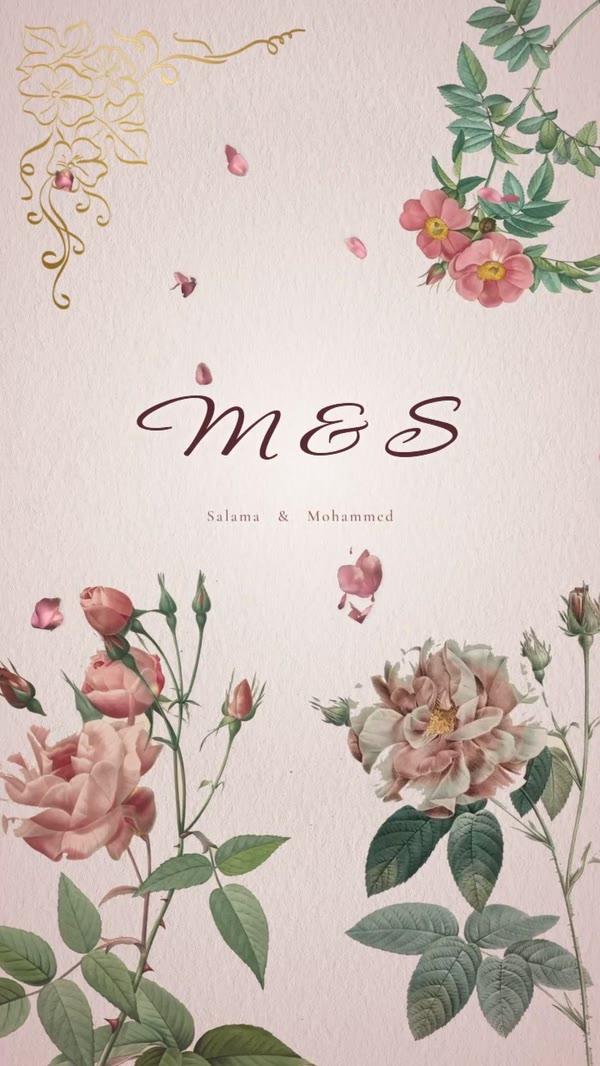
A video invitation with music
Music makes a video invitation feel like an occasion, but treat it as a bonus: many guests first open the video in a meeting, a majlis or late at night with the sound off. Make sure every name, date and place is readable in silence, and keep the track gentle at the start so nobody is startled.
How to send video invitation files without losing quality
WhatsApp compresses videos sent as media. Recent versions offer an HD option when you attach the video — choose it. If quality matters more than the inline preview, send the MP4 as a document instead: it arrives untouched, though the guest taps once to play it.
| How you send it | What the guest sees | Quality |
|---|---|---|
| As media (standard) | Plays inside the chat | Compressed — fine text can blur |
| As media, HD chosen | Plays inside the chat | Sharper |
| As a document | A file to tap and open | Exactly as downloaded |
Write a short message with it, so the video isn't mistaken for a forward. Copy-ready wording is in wedding invitation message for WhatsApp.
Dear Hessa, we're so happy to share our wedding invitation with you 🤍 Press play — and save the date: Friday 18 December. Please let us know by the 4th if you can come.
Video, picture or GIF?
| MP4 video | Picture (PNG) | GIF | |
|---|---|---|---|
| Impression | The strongest | Clean and classic | Light movement |
| Loads on a weak connection | Slower | Instantly | Quickly |
| Sound | Yes, optional | No | No |
| Easy to print or forward | No | Yes | Partly |
The studio downloads all three, plus PDF for print, so you can mix: the video for close family, the picture for everyone else, the PDF for the few who want a printed card.
Video invitation ideas by occasion
- Wedding: an arch or palace that opens onto the names — the classic. Keep the date on screen for the last few seconds. Wedding designs.
- Engagement: softer and shorter, a ring box or florals, 10 seconds is plenty. Engagement designs.
- Henna night: warm colours and hand motifs; it's usually a ladies' evening, so music is often welcome. Henna designs.
- Birthday and baby shower: balloons, confetti, a playful track — this is where a video beats a picture most. Birthday designs.
Mistakes that spoil a video invitation
- Names that appear for one second and vanish — hold the final frame with all the details for at least three seconds.
- A landscape video: it plays as a thin strip on a phone.
- Light text on a moving light background — check it on a phone in daylight.
- Sending it as a link to a file-sharing site instead of the video itself: many guests never tap it.
- No message with it, so it looks like a forward.
Sending to many guests
Sending a video one chat at a time is slow, and you lose track of who has replied. Broadcast lists reach only people who saved your number — see sending your invitation to many guests.
With Invited's sending service, each guest gets the invitation on WhatsApp with Yes and No buttons and a link to their own invitation page, and every reply lands in one guest list.
Ready when you are
Questions people ask
Video or picture — which is better?
A video makes the bigger impression and suits weddings and engagements. A picture loads instantly on any connection and is easier to print or forward. Many families send the video to close family and the picture to everyone else.
Why does my video arrive blurry?
WhatsApp compressed it. Choose HD when attaching it, or send the MP4 as a document.
How do I make a video invitation for a wedding?
Pick a moving design in the studio, type your details, add music if you like, and download it as MP4. The steps above take about ten minutes.
How long should a WhatsApp video invitation be?
Ten to twenty seconds for a single card. Longer films with several scenes work for close family, but most guests stop watching after half a minute.
Will the video play on every phone?
MP4 (H.264) plays on practically every phone that runs WhatsApp. If a guest has trouble, send them the picture version.
Can I send video invitation cards with Yes/No reply buttons?
Yes — Invited's sending service delivers your card to each guest on WhatsApp with Yes and No buttons and a link to their own invitation page.