
Sending & RSVPs
How to send your wedding invitation on WhatsApp to multiple contacts
Published 6 min read
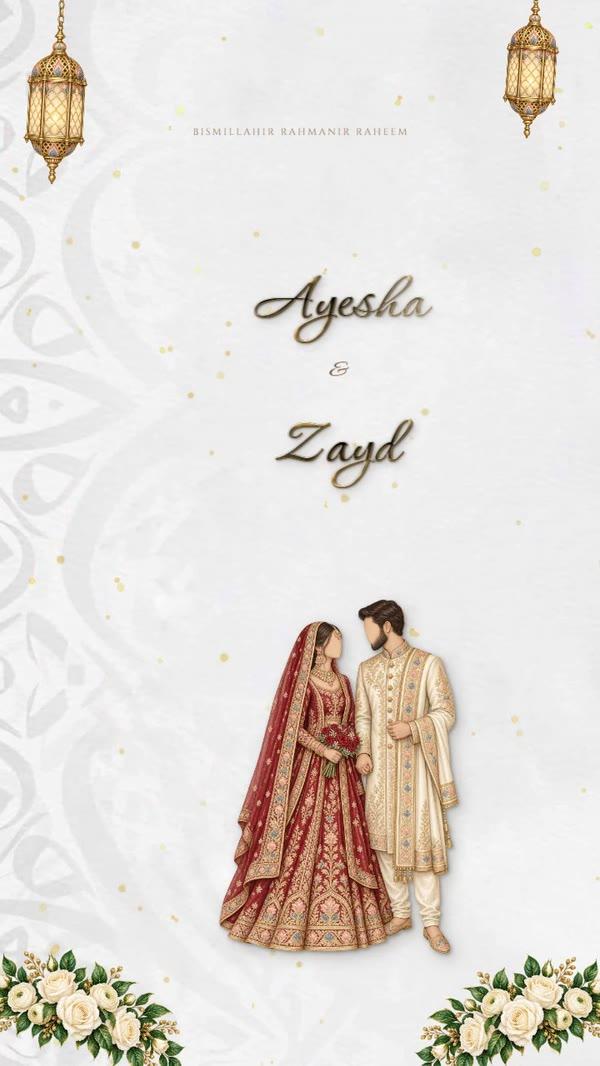


Sending a wedding invitation on WhatsApp to multiple contacts sounds like one tap, until the list reaches 300 names. A group exposes everyone, a broadcast list stops at 256 and only reaches people who saved your number, and forwarding one by one takes an evening. This guide goes through each option honestly: how it works, where it breaks, and what to use when you need every guest's answer back, not only a blue tick.
In this article
- Ways to send a wedding invitation on WhatsApp to multiple contacts
- Why a WhatsApp group is the wrong tool for a wedding
- Broadcast lists: the 256 limit and the saved-number catch
- Forwarding one by one: how long 300 guests really takes
- Bulk-sender extensions and Excel scripts: the ban risk
- The official route: invitations sent from a business number, with Yes and No buttons
- Getting your guest list out of Excel and contacts
- Tracking who replied, and who needs a reminder
Ways to send a wedding invitation on WhatsApp to multiple contacts
| Method | Reaches | Privacy | Replies | Good for |
|---|---|---|---|---|
| WhatsApp group | Everyone in the group | Everyone sees the others and every reply | All in one noisy chat | Close family only |
| Broadcast list | Up to 256 per list, and only people who saved your number | Private: each gets it as a normal chat | Separate chats, one per guest | Small weddings, saved contacts |
| Forwarding one by one | Anyone | Private | Separate chats | Under about 50 guests |
| Bulk-sender extensions | Anyone, in theory | Private | Separate chats | Not recommended (see below) |
| Official business sending | Anyone with WhatsApp | Private, addressed by name | Yes/No buttons, collected in one list | Weddings of 100+ guests |
Why a WhatsApp group is the wrong tool for a wedding
A group is the first idea most people have, and it causes the most trouble. Everyone in the group can see who else was invited, which matters when the men's and ladies' lists differ or when some relatives were left off. Every "Mabrook!" and every sticker pings 300 phones. Within an hour the card has scrolled out of sight under the congratulations. Guests mute the group or leave it, and then they miss the venue change you post a week later.
Broadcast lists: the 256 limit and the saved-number catch
A broadcast list sends one message to many people, and each person receives it as an ordinary private chat from you. It is the closest thing to bulk sending inside the normal app, and it is fine for a small wedding. But WhatsApp's own Help Center sets the limits:
- Up to 256 contacts per list. For 400 guests you need two lists, and you have to split them sensibly yourself.
- Only people who have added you to their phone's contacts receive it. This is the catch most couples find out too late. A guest who never saved your number gets nothing, and you are not warned.
- Replies come back as separate chats. For RSVPs that means hundreds of conversations to read and count by hand.
- Some countries see a monthly broadcast limit, according to WhatsApp, which is rolling the limit out gradually.
- Open WhatsApp and tap Chats, then the More menu (⋮) and Broadcast lists. On iPhone, Broadcast lists is in the menu at the top of Chats.
- Start a new list, select up to 256 contacts and tap the tick to create it.
- Send the card as a picture or video, with your wording as the caption.
- Read the replies one chat at a time, and write down each answer in a sheet.
Forwarding one by one: how long 300 guests really takes
Sending it yourself, chat by chat, always arrives, and a short personal line ("Dear Aunty Huda…") is lovely. The cost is time. Opening each chat, attaching the card and typing a greeting takes about half a minute even when you are quick. That makes 300 guests a solid two and a half to three hours, before a single reply comes back.
For a family dinner or a wedding of 40 guests, this is still the warmest way. For 200 and up, it is the job most couples hand to a sibling at midnight and regret. Our WhatsApp wedding invitation messages have ready wording for the personal line if you go this way.
Bulk-sender extensions and Excel scripts: the ban risk
Search for "send bulk WhatsApp from Excel" and you will find browser extensions and scripts that click through your contacts automatically. They do work, at first. But WhatsApp's Terms of Service do not allow using the app for "bulk messaging, auto-messaging, auto-dialing, and the like". A personal number that suddenly sends the same message to hundreds of people who never wrote to you is exactly what WhatsApp looks for. The worst moment to lose your own number is three weeks before your wedding.
The official route: invitations sent from a business number, with Yes and No buttons
Businesses that message large numbers of people use WhatsApp's official business platform. Messages go out from a verified business number using templates WhatsApp has approved, so guests do not need to have saved anyone's number. This is how Send invitations works:
- Add your card: one you designed in the studio, or your own image.
- Import your guest list from Excel, or paste it in. Check the preview of names and numbers before anything is saved.
- Send a test invitation to your own phone and see exactly what guests will see.
- Send. Each guest receives the card on WhatsApp, addressed by name, with Yes and No buttons and a link to their own invitation page.
- Watch the replies arrive in one live list, including how many people each guest is bringing.
Optional extras: reminders three days before and on the day for guests who said yes, the invitation sent again to anyone who hasn't replied, and QR passes scanned at the door. Pricing starts at AED 675 for up to 150 guests. The full breakdown is on the pricing page.



Getting your guest list out of Excel and contacts
Whichever way you send, the work starts with a clean list. Two columns are enough: name and phone number.
- Write every number with its country code: +971 50 123 4567, +91 98…, +44 7…. Numbers without a code are the most common reason an invitation never arrives.
- In Excel, format the phone column as Text before typing or pasting numbers. Otherwise Excel stores them as numbers and silently drops the leading + or 0.
- One row per household if the whole family is invited together. Put the person who will reply in that row.
- Keep separate sheets, or a column, for the men's and ladies' lists if the celebrations are apart.
- Remove duplicates. The same uncle saved under two names will otherwise get two invitations.
Tracking who replied, and who needs a reminder
Sending is half the job. The venue wants a number, the caterer wants a number, and somebody has to chase the guests who saw the card and never answered. With replies scattered across chats, that means a spreadsheet and a lot of scrolling. With tap-to-reply buttons, the list fills itself in. Tracking wedding RSVPs compares calls, forms and WhatsApp replies in more detail.
Ready when you are
Questions people ask
How do I send a wedding invitation on WhatsApp to all my contacts?
Use a broadcast list for up to 256 people who have your number saved, forward it one by one for a small list, or use an official business sender for large weddings so that everyone receives it and can reply with a button.
How many people can be in a WhatsApp broadcast list?
Up to 256 contacts per list, according to WhatsApp's Help Center. You can make more than one list.
Why didn't some guests receive my broadcast message?
Only people who have added your number to their phone's contacts receive a broadcast. Guests who never saved your number get nothing, and you are not told.
Can I send a WhatsApp message to multiple contacts without saving their numbers?
Not with a broadcast list. Messages from an official WhatsApp business number reach guests whether or not either side has saved the other's number. That is how Send invitations delivers cards.
Is it safe to use a bulk WhatsApp sender from Excel?
It is risky. WhatsApp's terms don't allow bulk or automated messaging from the normal app, and a personal number that does it can be banned.