Design
Invitation card sizes
Published Updated 5 min read
The right invitation card size depends on where the card will be seen first. The same design can look perfect on one screen and cramped on another, or print blurry because it was made for a phone. Here are the sizes that work — in pixels for phones, in inches and centimetres for print — with a quick answer first and the details after.
In this article
- Invitation card size: the quick answer
- For phones: WhatsApp invitation size in pixels
- For print: sizes in inches, cm and mm
- Wedding invitation size in Canva and other apps
- Changing the size of a design in the Invited studio
- Envelopes and printed sets
- Size mistakes that ruin a card
- Which size for which invitation?
Invitation card size: the quick answer
| Where it's used | Pixels | Inches | cm |
|---|---|---|---|
| WhatsApp (portrait 4:5) | 1080 × 1350 | — | — |
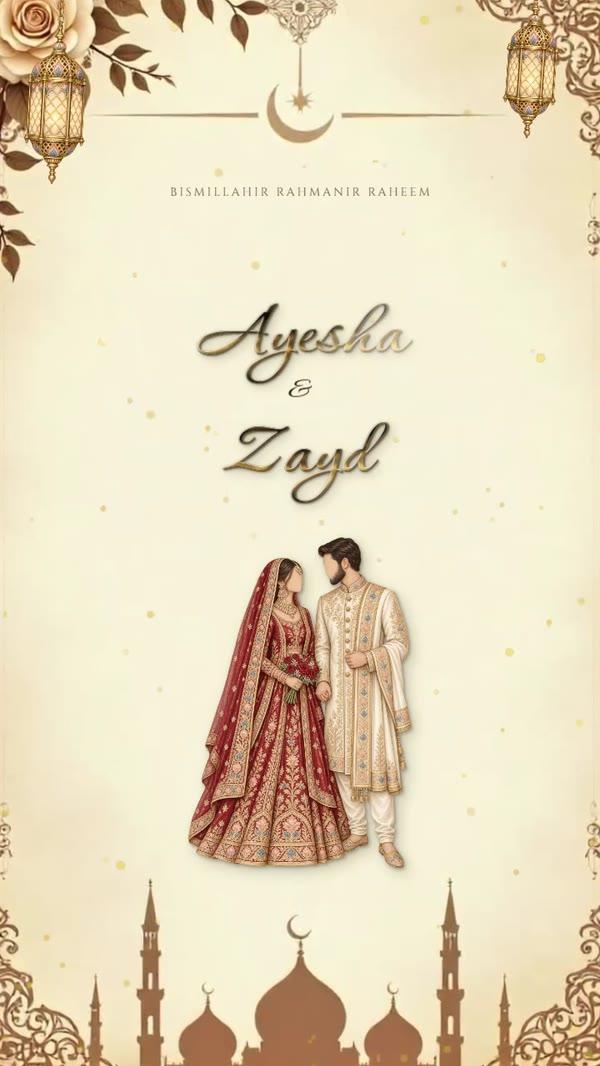
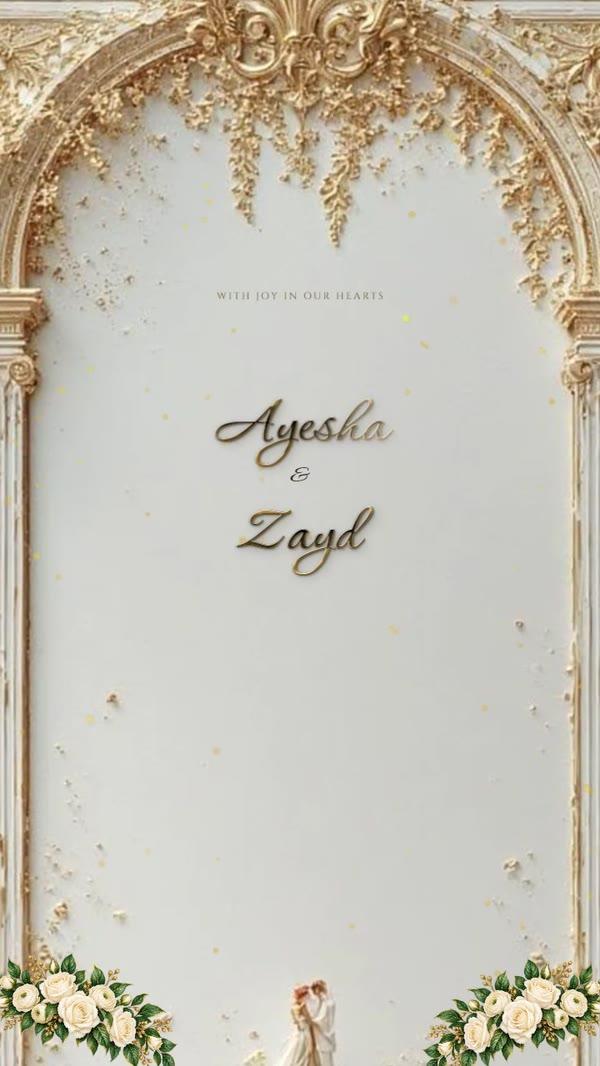
| Story / status (9:16) | 1080 × 1920 | — | — |
| Square post | 1080 × 1080 | — | — |
| Printed card, standard | 1500 × 2100 at 300 dpi | 5 × 7 | 12.7 × 17.8 |
| Printed card, A5 | 1748 × 2480 at 300 dpi | 5.8 × 8.3 | 14.8 × 21 |
| Small insert or RSVP card | 1200 × 1800 at 300 dpi | 4 × 6 | 10.2 × 15.2 |
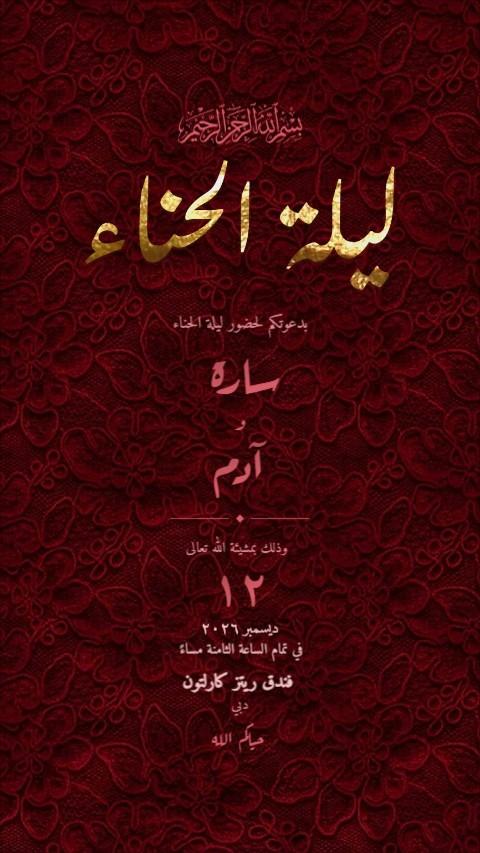
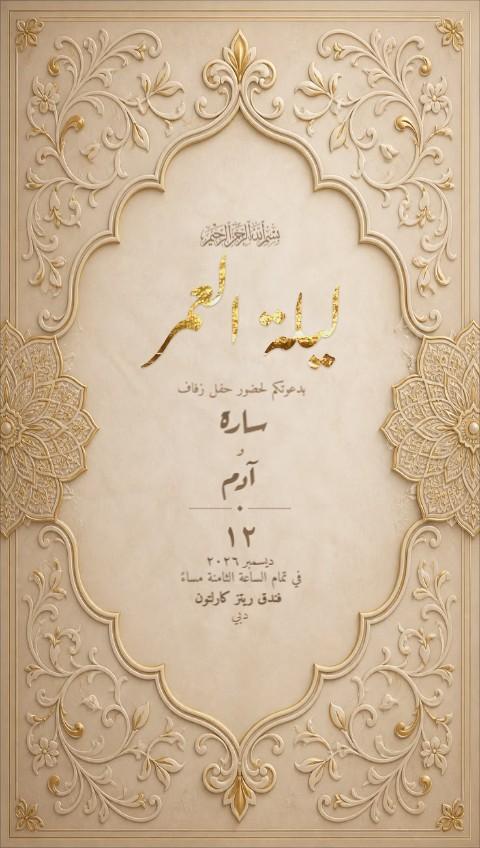
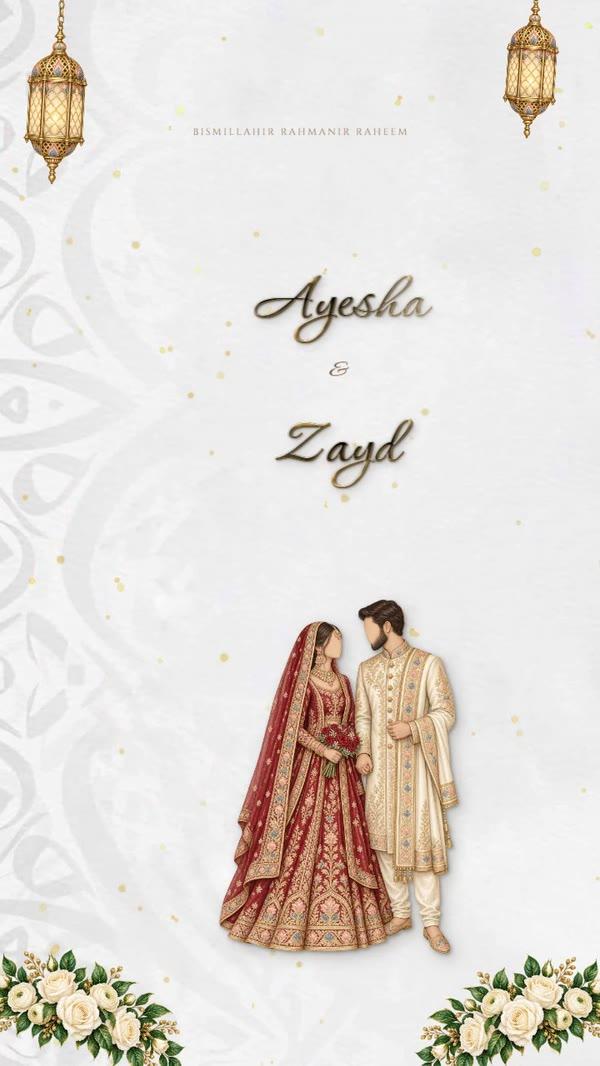
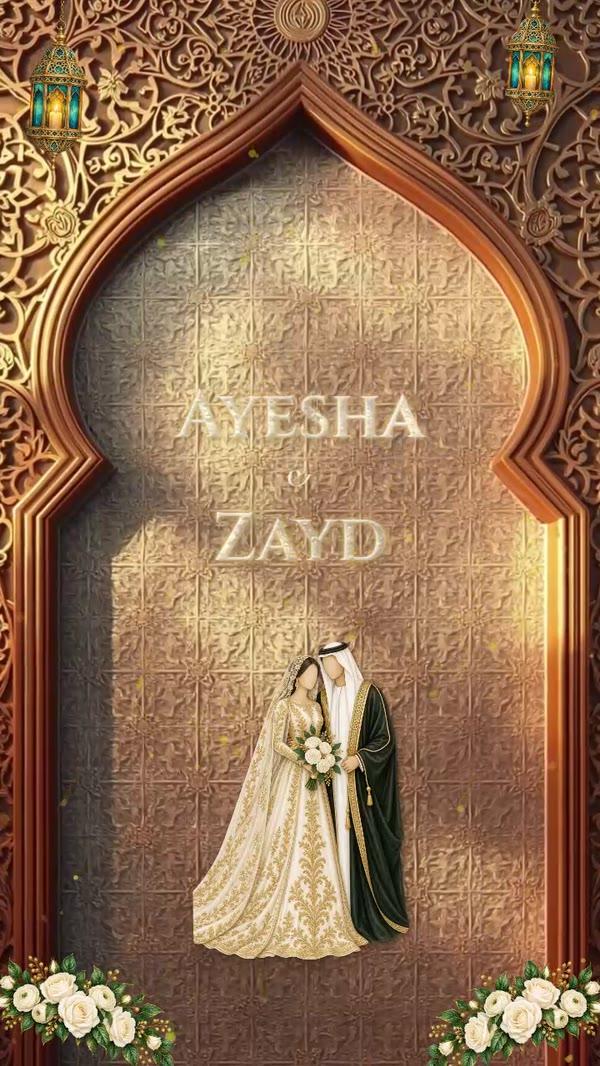
If you're only sending on WhatsApp, use 1080 × 1350 px. If you'll also print, design at 5 × 7 inches first and export a phone version from it.
For phones: WhatsApp invitation size in pixels
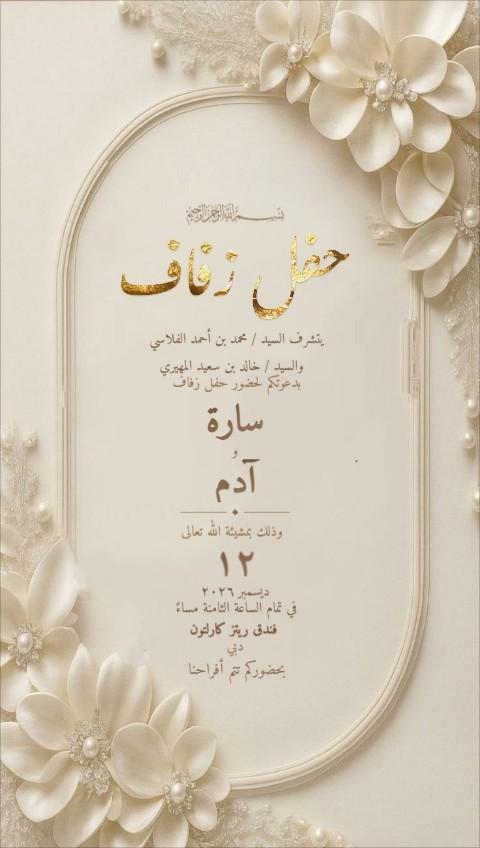
- WhatsApp (portrait): 1080 × 1350 px — 4:5, fills most of the chat without cropping
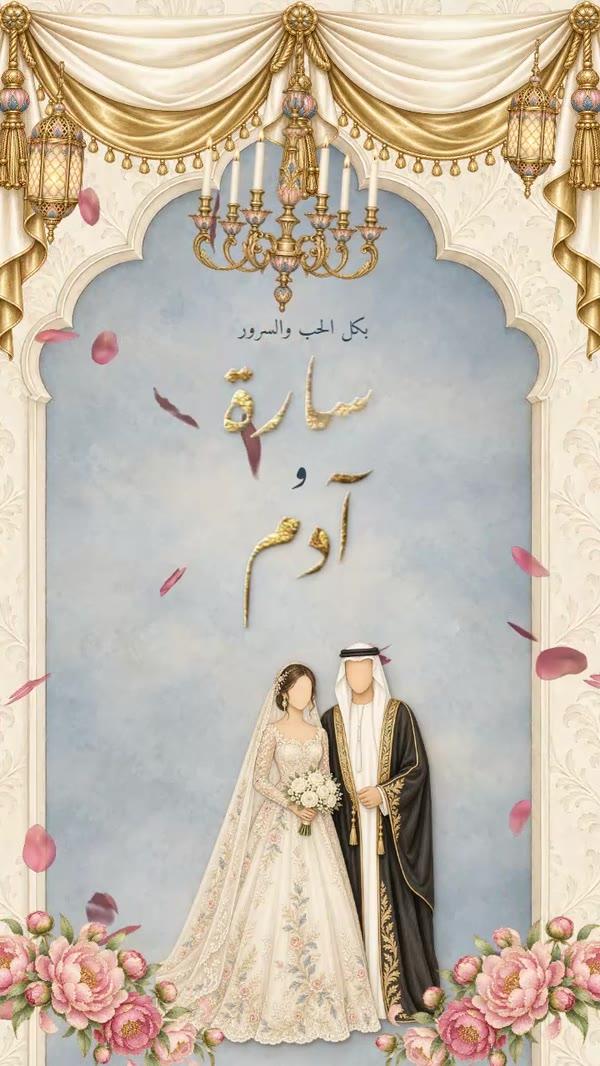
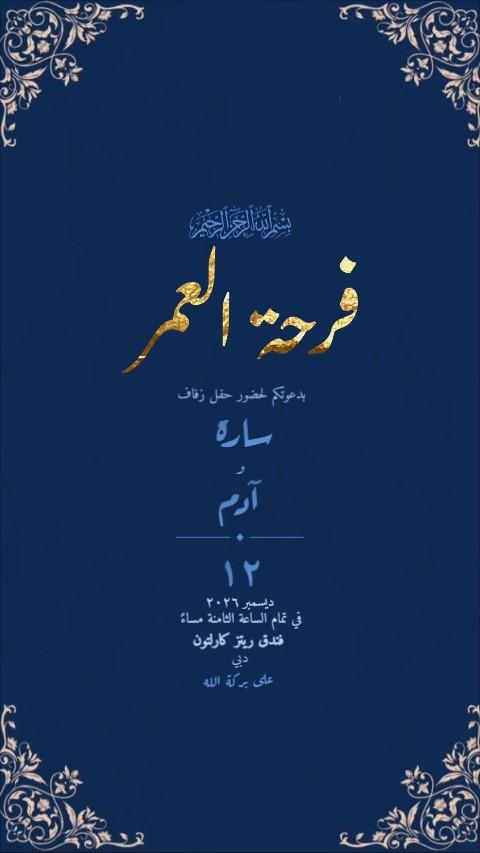
- Phone story (Instagram, Snapchat, WhatsApp status): 1080 × 1920 px — 9:16, full screen
- Square: 1080 × 1080 px — safe everywhere, smallest on screen
- Landscape: 1920 × 1080 px — for screens at the venue, rarely for invitations
If you send one card everywhere, 4:5 portrait is the safest choice: it shows whole in WhatsApp and in an Instagram post, and only a story adds a little space above and below.
For print: sizes in inches, cm and mm
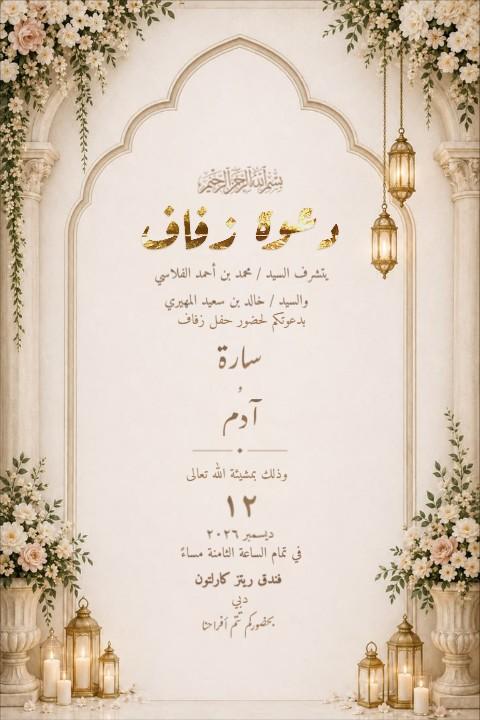
- 5 × 7 inches (127 × 178 mm) — the most common invitation card
- A5 (148 × 210 mm) — slightly larger, popular for wedding sets
- 4 × 6 inches (102 × 152 mm) — for RSVP cards, maps and inserts
- Leave 3 mm of bleed on every side if the design runs to the edge, and keep text 5 mm inside the trim
Print needs far more pixels than a phone: about 300 per inch, so a 5×7 card wants roughly 1500 × 2100 px. A card designed at 1080 × 1350 for WhatsApp only prints sharply at about 3.6 × 4.5 inches. For printed cards, boxes and tissues made to order, talk to us — Invited is a service of Modern Printing Press, printing in Dubai since 1959.
Wedding invitation size in Canva and other apps
Most design apps, Canva included, let you type a custom size. Choose pixels for a phone card and inches or millimetres for print — the units matter, because a "5 × 7" in pixels is a tiny thumbnail.
- Pick custom size and type the width and height from the table above.
- For print, add 3 mm (about 0.125 in) of bleed on each side if the app supports it.
- Download phone cards as PNG; download print cards as PDF for the printer.
- Open the file on your phone or print a test page before sending or ordering.
Changing the size of a design in the Invited studio
In the Invited editor, Aspect offers Phone story, WhatsApp portrait, 5 × 7 card, A5 print, square and landscape, or any width and height you type. Everything on the page is scaled to the new size, so one design can become both the WhatsApp card and the story.
PNG downloads are at least 1440 pixels wide, and the studio also downloads PDF for print, MP4 video and GIF — see how to send video invitation cards on WhatsApp for the video sizes.
Envelopes and printed sets
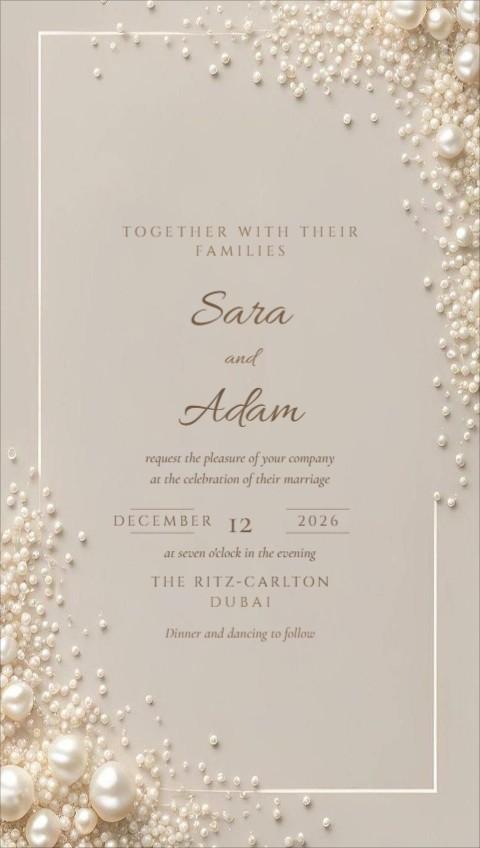
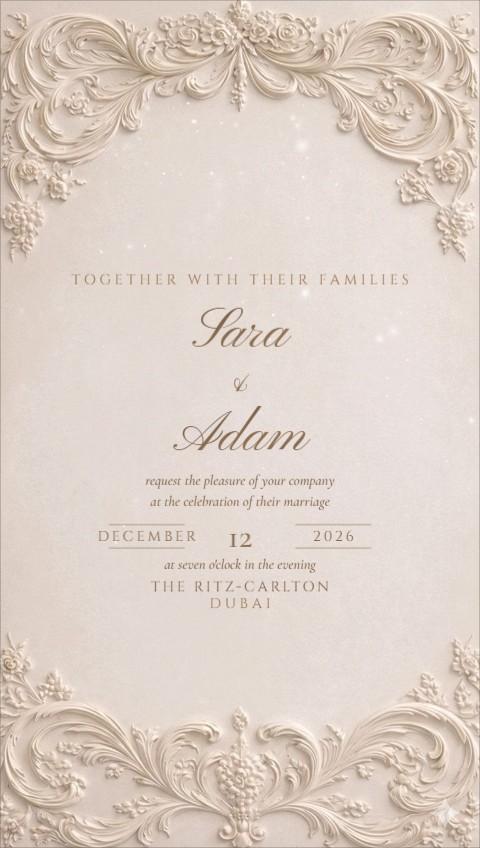
If the card goes in an envelope, choose the two together. A 5 × 7 card fits an A7 envelope (5¼ × 7¼ in); an A5 card fits a C5 envelope (162 × 229 mm). Inserts such as the RSVP card, a map or the ladies' card are usually 4 × 6 in, so they sit neatly in front of the main card.
A full wedding set — main card, insert and envelope — is worth having proofed by the printer before the full run. Colours on paper come out darker than on a phone screen, especially golds and deep greens.
Size mistakes that ruin a card
- Designing for a phone, then printing large — the names come out soft and pixelated.
- Designing in landscape for WhatsApp — the card shows as a thin strip in the chat.
- Text right at the edge of a print file — it gets trimmed off.
- Sending a 10 MB print PDF on WhatsApp — guests on mobile data won't open it.
- Resizing by stretching instead of re-laying out — circles turn into ovals, names look squashed.
PNG keeps text crisp on phones; JPG is smaller but can blur fine gold lettering. For print, send the printer a PDF.
Which size for which invitation?
| Invitation | Best size |
|---|---|
| Wedding sent on WhatsApp | 1080 × 1350 px, plus a 9:16 story version |
| Wedding, printed for elders | 5 × 7 in or A5 |
| Video invitation | Portrait 9:16 or 4:5, MP4 |
| Birthday, Eid or corporate | 1080 × 1350 px; square for social posts |
Ready when you are
Questions people ask
What size is best for a WhatsApp invitation?
1080 × 1350 px (4:5 portrait). It shows whole in the chat on every phone and stays sharp when opened full screen.
Can I print the card I sent on WhatsApp?
A phone-sized card prints well small, but for a proper printed invitation start from a print size (5×7 or A5) or have it printed professionally.
What is the standard wedding invitation size?
5 × 7 inches (12.7 × 17.8 cm) is the most common printed size; A5 (14.8 × 21 cm) is popular for larger sets. On phones, 1080 × 1350 px.
What is the WhatsApp invitation size in inches?
Screens don't use inches — a WhatsApp card is measured in pixels: 1080 × 1350. Inches only matter when you print it.
What resolution should an invitation card be?
For phones, 1080 pixels wide is enough. For print, 300 pixels per inch at the final size — about 1500 × 2100 px for a 5 × 7 card.
What size should a WhatsApp status invitation be?
1080 × 1920 px (9:16), the full phone screen. Keep text away from the very top and bottom, where the app's own buttons sit.