Design
How to make an e-invitation card for your wedding
Published 6 min read
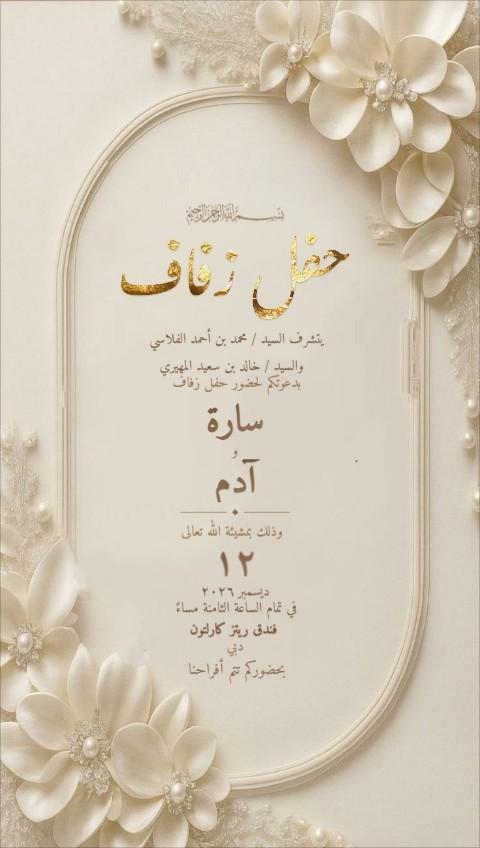
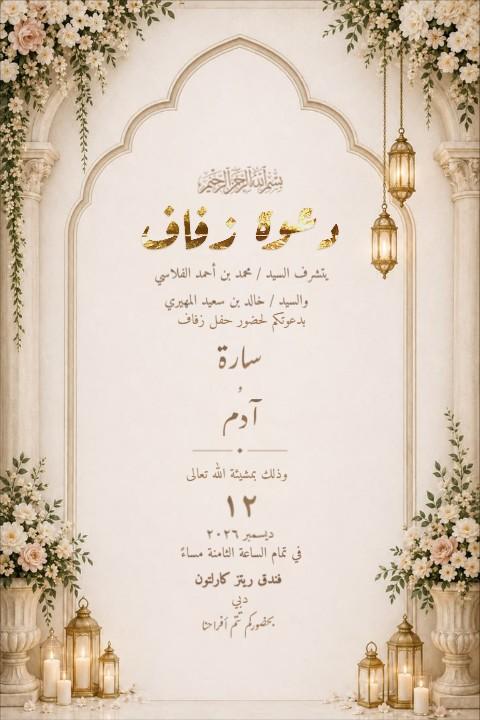
Learning how to make an e-invitation card for a wedding takes about an evening, and you can do all of it on your phone. Most weddings in the UAE are now invited on WhatsApp, so the card is a picture or a short video, not a printed envelope. This guide covers it in order: what to gather before you start, choosing a design, the wording, Arabic calligraphy, still or moving, the right download size, and how to send it so the replies come back to you.
In this article
- The short version
- Before you start: what to have ready
- Step 1: choose an e-invitation design on your phone or computer
- Step 2: write the wording
- Step 3: fonts and Arabic calligraphy
- Step 4: still card or moving video?
- Step 5: download at the right size
- Step 6: send it, and collect the replies
- Common mistakes to check before you send
The short version
- Gather the details: names, the host, date, time, venue and whether the men's and ladies' celebrations are separate.
- Open the card studio and choose a design — still or moving, English, Arabic or both.
- Write the wording. Start from a ready text and change the names, rather than writing from scratch.
- Choose fonts for the names (all free) and, if you like, a gold calligraphy heading.
- Download it: a picture for WhatsApp, a video if the design moves, a PDF if a relative wants to print a few.
- Send it — one by one, or to every guest at once with RSVP buttons through Send invitations.
Before you start: what to have ready
Most of the time spent making an invitation goes on waiting for details, not on design. Put these in one note on your phone first, and agree them with both families:
- Who is inviting. The father of the groom, both families, or the couple themselves. On Gulf cards the host usually comes first.
- The names exactly as the families want them, in both languages if the card is bilingual. Check spellings like Mohammed, Muhammad and Mohamed now, not after the download.
- Day, date and time. Include the weekday. If there are two celebrations, have both times.
- The venue and city, plus a map link to share alongside the card.
- House notes. Ladies only, no children, no phones in the hall, dress code. Only include them if they really apply.
- The RSVP route. A phone number, a date to reply by, or tap-to-reply buttons if you send with a service.
Step 1: choose an e-invitation design on your phone or computer
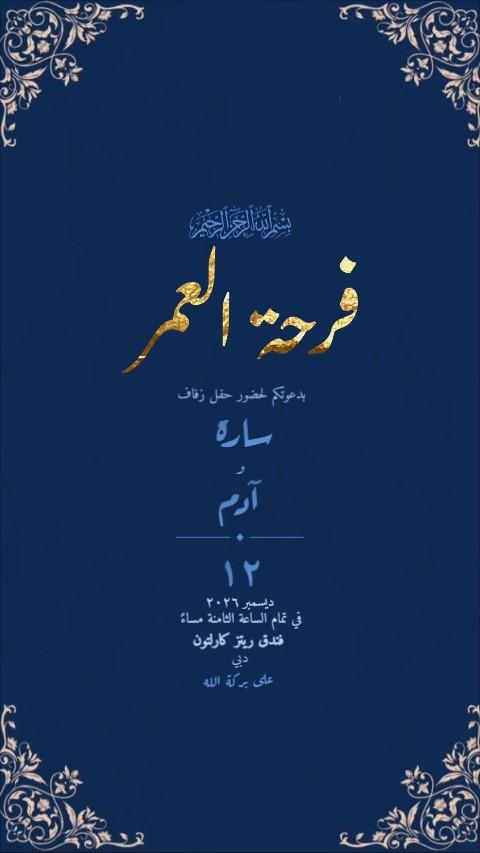
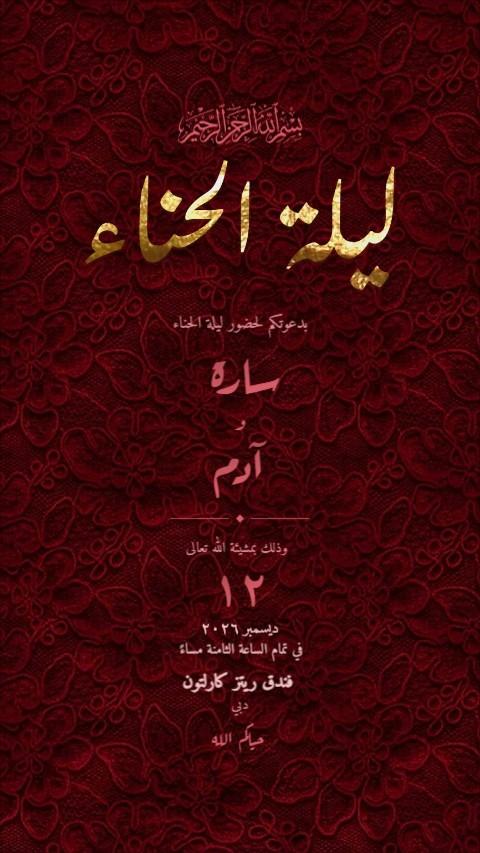
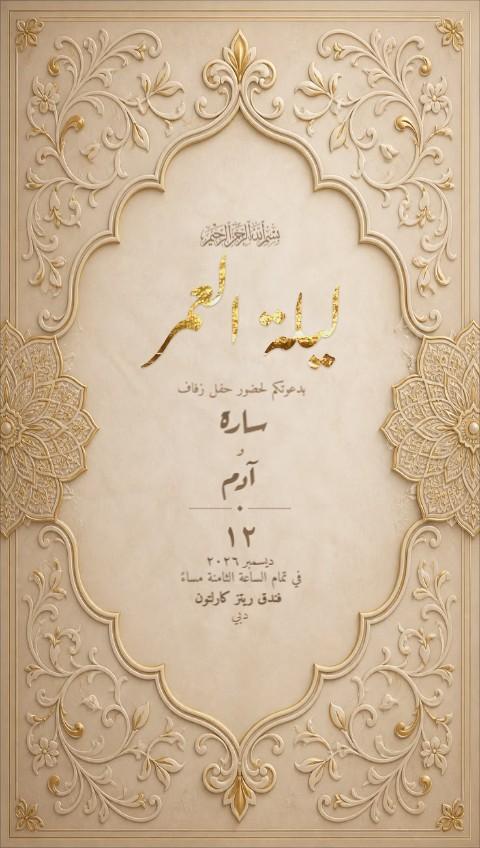
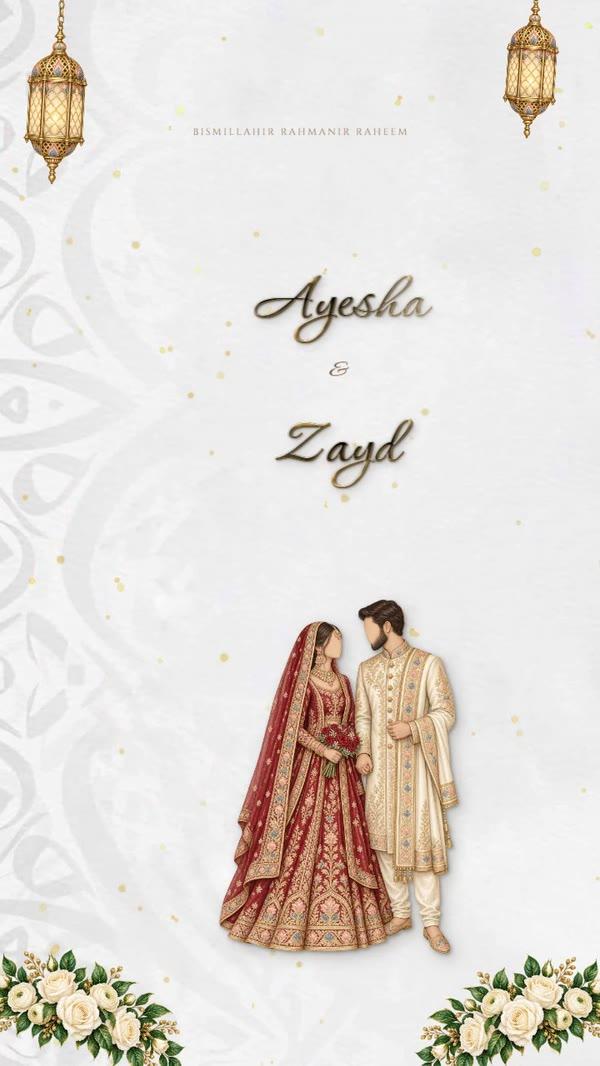
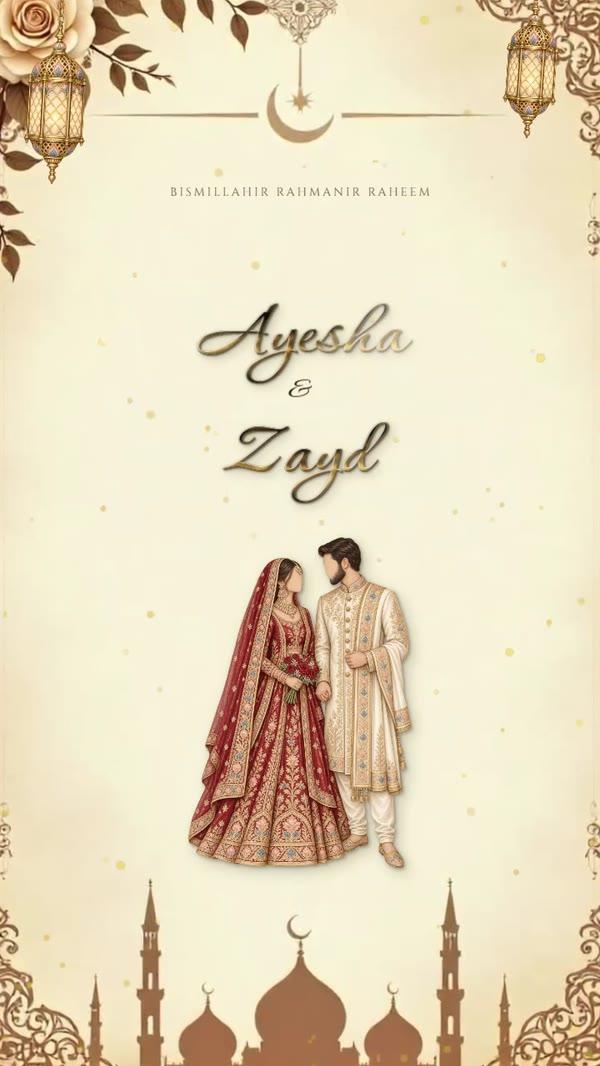
A wedding e-invitation is usually portrait, the shape of a phone screen, so it fills the chat when a guest opens it. In the studio you can browse about 500 designs: ivory and gold, emerald and lantern arches, florals, modern lines, plus moving cards with falling petals or a slow gold reveal. Filter by occasion and language, and pick one that suits the venue and the families. A palace ballroom wants gold and ornament; a garden majlis suits florals or sage.

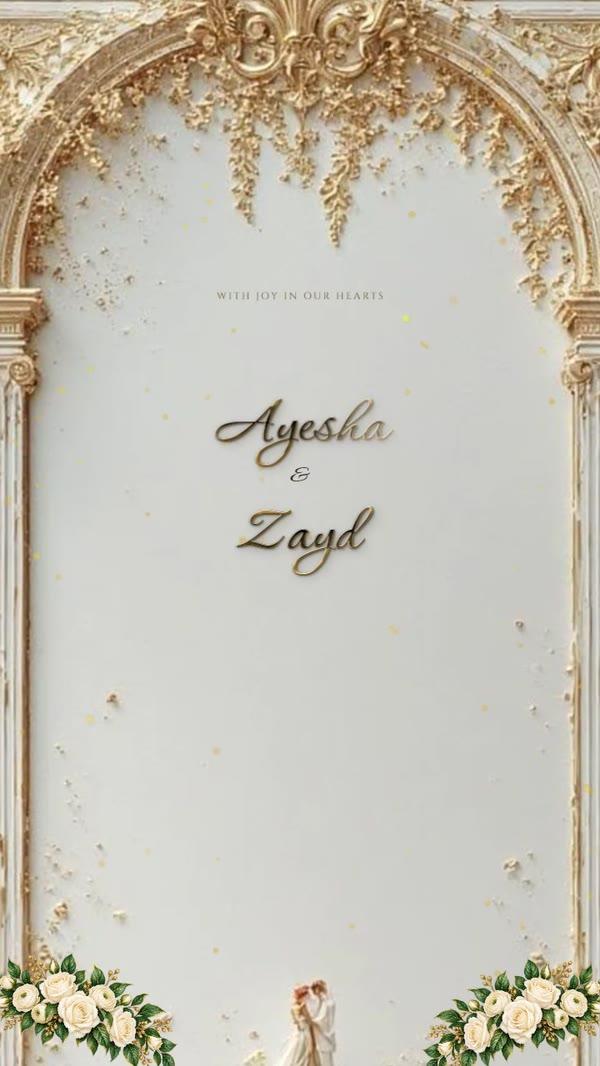
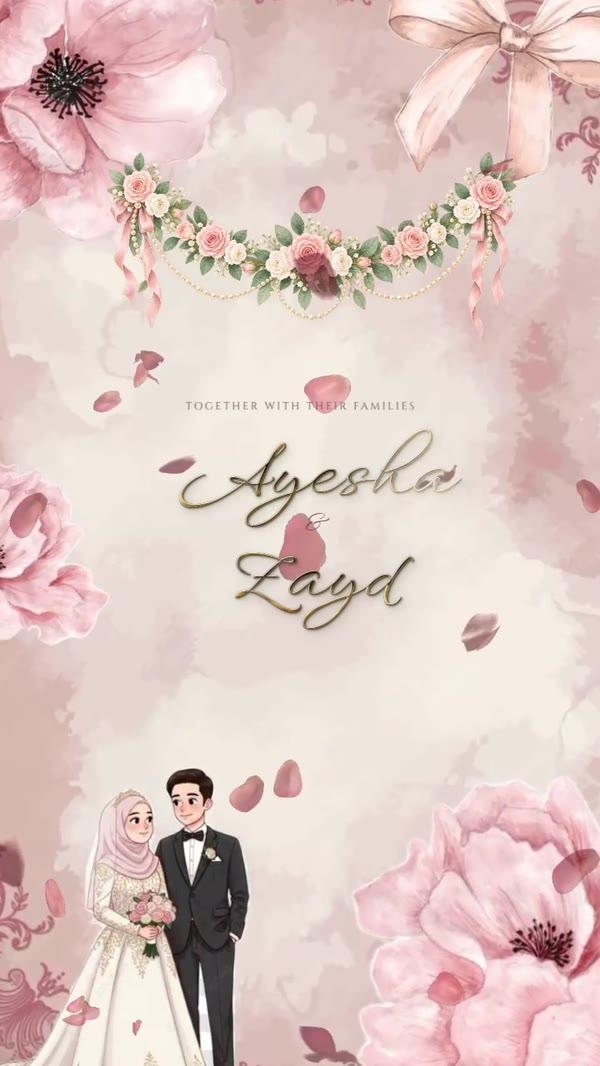
Free designs download with no watermark. Premium designs, gold calligraphy and special finishes come with the PRO plan, AED 15 for 30 days. It is one payment, not a subscription. Fonts are always free.
Step 2: write the wording
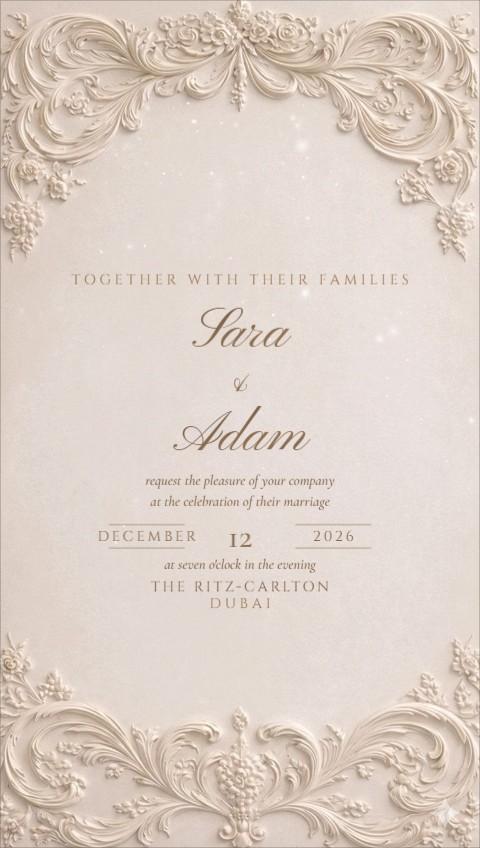
Start from a proven text and adjust it. A classic English card reads like this:
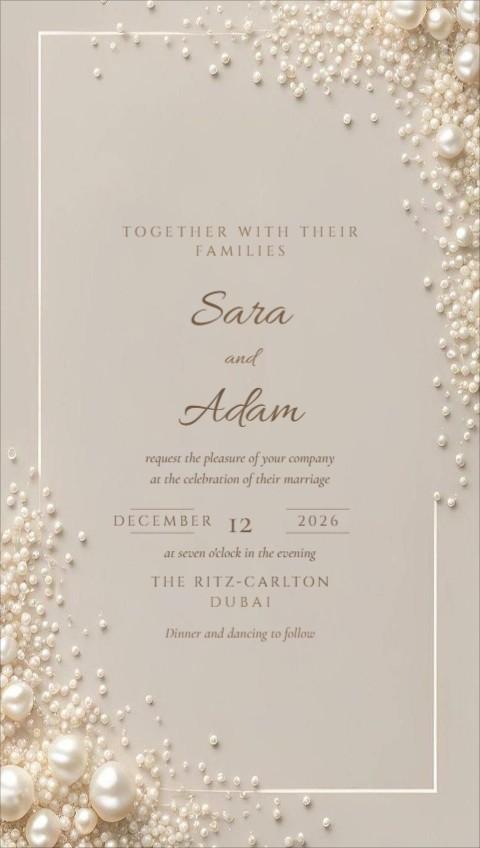
Together with their families Ayesha Al Hammadi & Zayd Al Mansoori request the pleasure of your company at the celebration of their marriage Saturday, 12 December 2026 · 8 pm Emirates Palace, Abu Dhabi
If the families want Arabic wording too, our Arabic wedding invitation wording post explains the classic Gulf form line by line. If the men's and ladies' celebrations are separate, read men's and ladies' wedding invitations before you design. You will be making two cards, not one.
Step 3: fonts and Arabic calligraphy
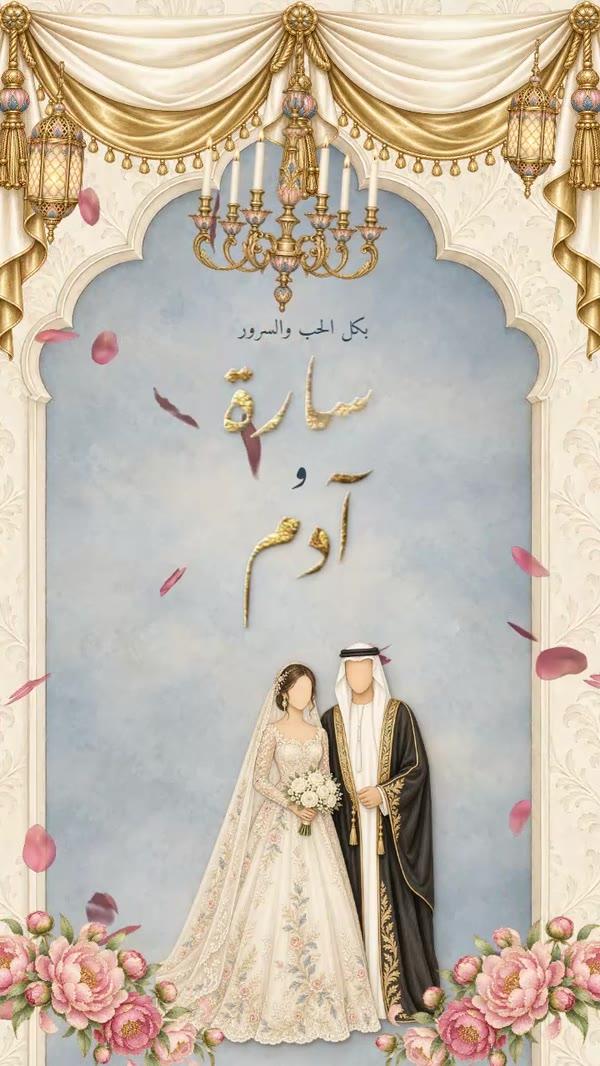
The names are what guests look at first. Choose a script face for the names and a quiet serif for the details. Using more than two typefaces makes a card look busy. On an Arabic or bilingual card, a calligraphy heading such as دعوة زفاف or ليلة العمر in gold does what a monogram does on a Western card.
- Fonts for names and text: free on every design.
- The calligraphy library: gold and foil Arabic headings drawn by hand, included with PRO.
- AI calligraphy: writes your own words, such as the couple's names, as a calligraphy piece in a chosen style. It comes with the MAX plan (AED 30), which includes 100 AI credits.
Step 4: still card or moving video?
A moving invitation is a short video. Petals fall, a lantern glows, the names write themselves in gold. It stands out in a busy chat list and suits weddings and engagements well. A still picture loads instantly, shows the details at a glance, and is easier for older relatives to forward. Many families send the video first and keep a still version for anyone whose phone struggles with video.
| Format | Best for | Good to know |
|---|---|---|
| Picture (PNG) | WhatsApp, everyone | At least 1440 px wide, sharp on any phone, and opens instantly |
| Video (MP4) | Moving designs, the "wow" first message | Plays in the chat. Keep it short so it downloads fast |
| GIF | Places that don't play video | Loops silently. Larger file than a picture |
| Printing a few copies, email | For the relatives who still want paper |
For more on sending video, see how to send a video invitation on WhatsApp.
Step 5: download at the right size
WhatsApp compresses pictures, so start large. The studio's picture downloads are at least 1440 pixels wide, enough to stay sharp after compression. A portrait card in the 9:16 shape fills a phone screen and also works as an Instagram story. If you also want a square post or a print size, the invitation card size guide has the exact pixel and print dimensions.
Step 6: send it, and collect the replies
For a small family dinner, forwarding the card yourself is fine. For a wedding of 200 or 400 guests, sending one by one takes hours, and the replies end up scattered across hundreds of chats. With Send invitations, each guest receives the card on WhatsApp from an official business number, addressed to them by name. The message has Yes and No buttons and a link to the guest's own invitation page. Guests say how many are coming, and every reply lands in one live list. You can import the guest list from Excel. Reminders three days before and on the day, and QR passes scanned at the door, are optional extras.
If you prefer to send it yourself, sending wedding invitations on WhatsApp to many guests compares groups, broadcast lists and the other options honestly.
Common mistakes to check before you send
- No weekday. "12 December" alone makes guests open a calendar. "Saturday, 12 December" doesn't.
- Two celebrations, one time. If the men's and ladies' parties are at different hours or venues, each card needs its own.
- Venue name only. Say which hall, and send the map location with the card.
- Spelling of names. Ask someone from each family to check, in both languages.
Ready when you are
Questions people ask
How do I make a wedding invitation card on my phone?
Open the card studio in your phone's browser, choose a design, tap the text to change names, date and venue, then download the picture or video. It is saved to your phone, ready to share on WhatsApp.
Can I make an e-invitation for free?
Yes. Many designs are free and download without a watermark, and fonts are always free. Premium designs, gold calligraphy and finishes come with PRO, AED 15 for 30 days, one payment.
How do I make a moving or video wedding invitation?
Pick one of the moving designs, change the text as usual, and download it as an MP4 video. It plays directly in WhatsApp.
Can AI design my wedding invitation?
The MAX plan's AI calligraphy writes your own words, such as the couple's names, as an Arabic calligraphy piece that you place on the card. The design and the wording stay in your hands.